How to Get More FPS in CS2
The idea that was written
HOW TO GET MORE FPS IN COUNTER-STRIKE 2 (CS2). Duration: EXACTLY 30 seconds. Format: Vertical 9:16 (1080x1920). Style: Fast-paced gaming edits, cinematic transitions and energetic visuals. 0-4 SECONDS – HOOK: Show CS2 ga
Details
- Format
- Vertical 9:16
- Length
- 0:35
- Style
- Real photo
- Voice
- Andrew · Natural
- Type
- Explainers
- Language
- EN
Its idea, style and voice are filled in. Make it your own. · Free · no card
How it was made
Someone typed the idea above into Vaideo. The AI wrote the script, picked or generated the image for each scene and added voice, music and subtitles. No filming or editing.
The script, scene by scene
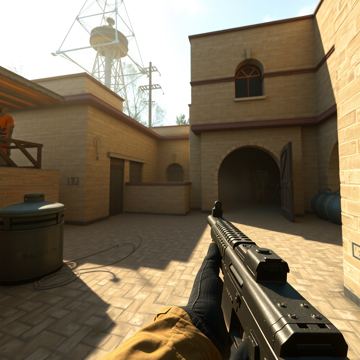 Scene 1
Want more FPS in CS2? Try these quick tips and boost your game!
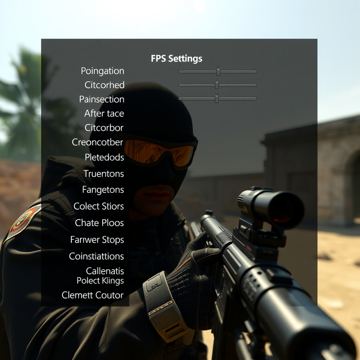 Scene 2
First, lower graphics settings: reduce shadows, turn off anti‑aliasing, and use fullscreen.
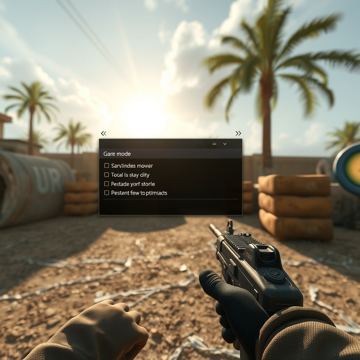 Scene 3
Next, enable Windows Game Mode and close background apps and startup programs.
 Scene 4
Now adjust your GPU: open NVIDIA or AMD control panel and set performance mode for CS2.
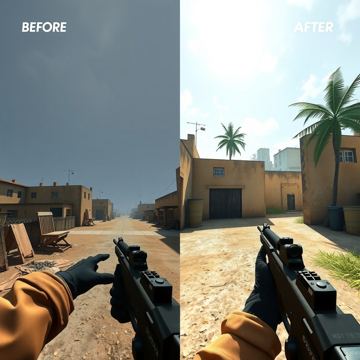 Scene 5
Compare before and after: smoother gameplay with a steady FPS counter. Follow for more CS2 tips!
Its idea, style and voice are filled in. Make it your own. · Free · no card
More videos like this

Build Your YouTube Content Calendar in 60 Seconds

Three‑City Weekend Escape in the USA
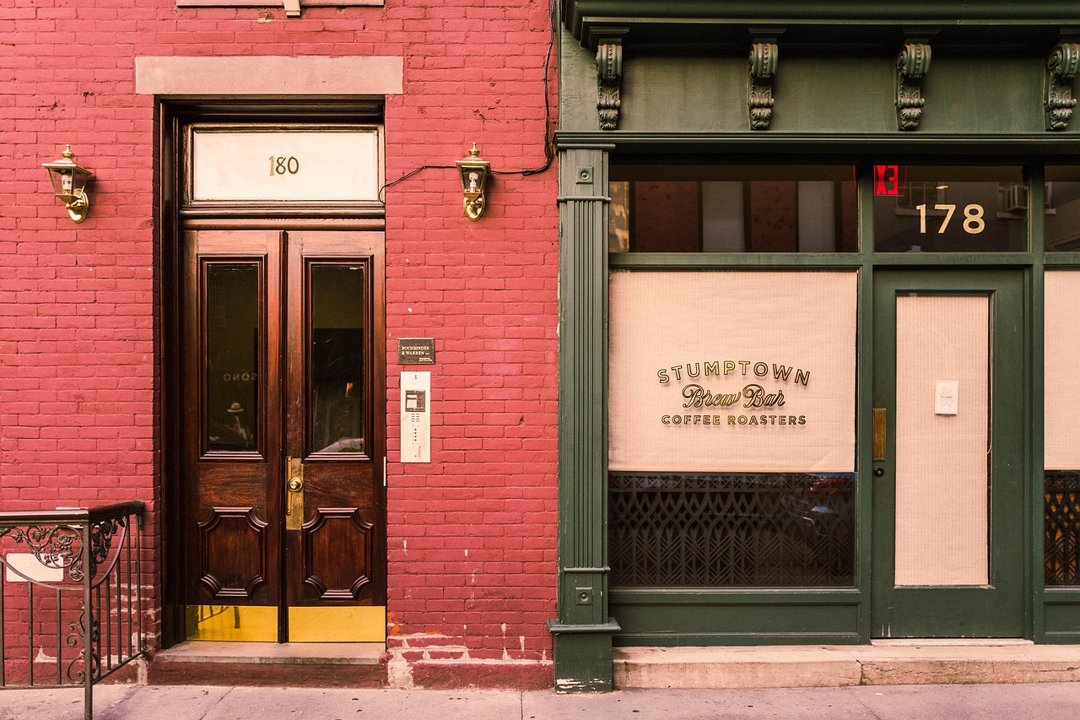
How to Open a Pop‑Up Restaurant in 9 Steps
How to Save $100 a Month

3 CRAZY FACTS THAT SOUND FAKE!

THE GLOBAL REGULATORY ARMS RACE
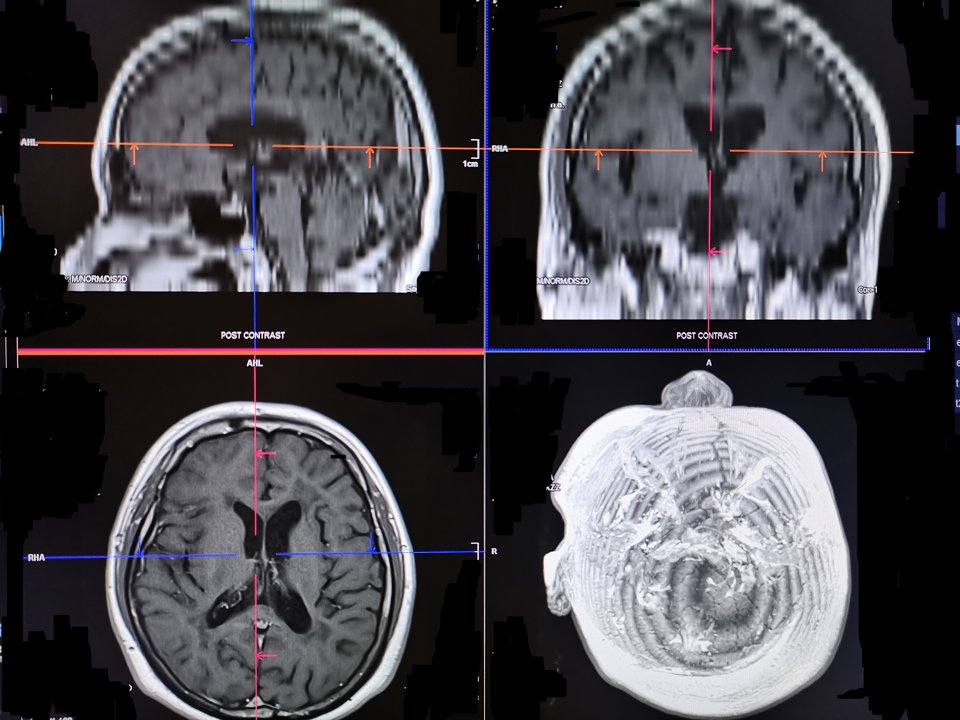
5 Amazing Facts About the Human Brain That Will Blow Your Mind